Two-factor authentication (2FA) asks for a code from an authenticator app after your password. Someone who only knows the password cannot sign in.
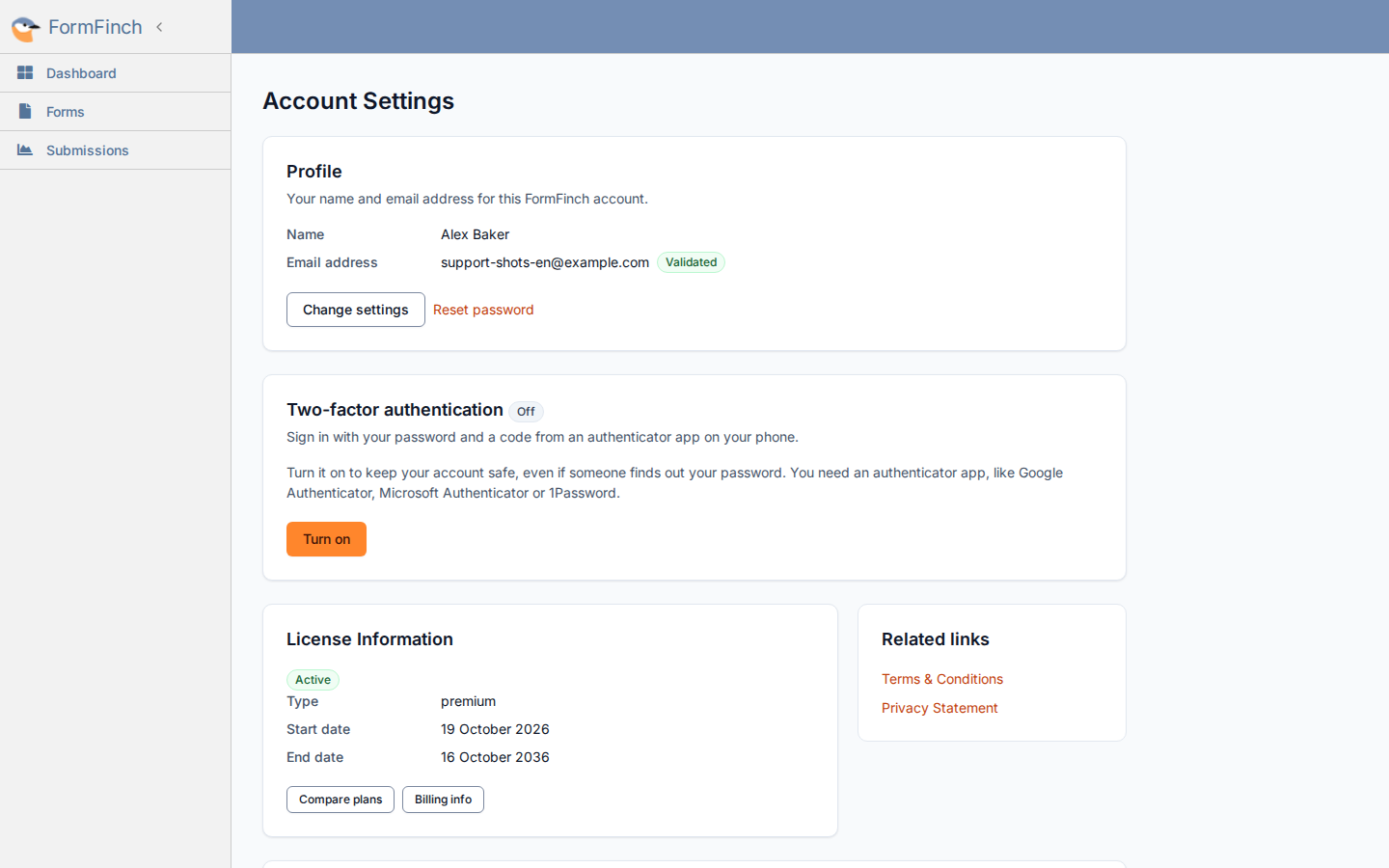
Turn it on
- Go to Account Settings.
- On Two-factor authentication, click Turn on.
- Enter your password and click Turn on.
- Open the email with the subject Confirm two-factor authentication for FormFinch. The link is valid for 30 minutes and works once.
- Scan the QR code with your authenticator app. If scanning does not work, type the key below the code into the app.
- Enter the 6-digit code the app shows and click Turn on.
- Save the recovery codes with Copy or Download, then click Done.
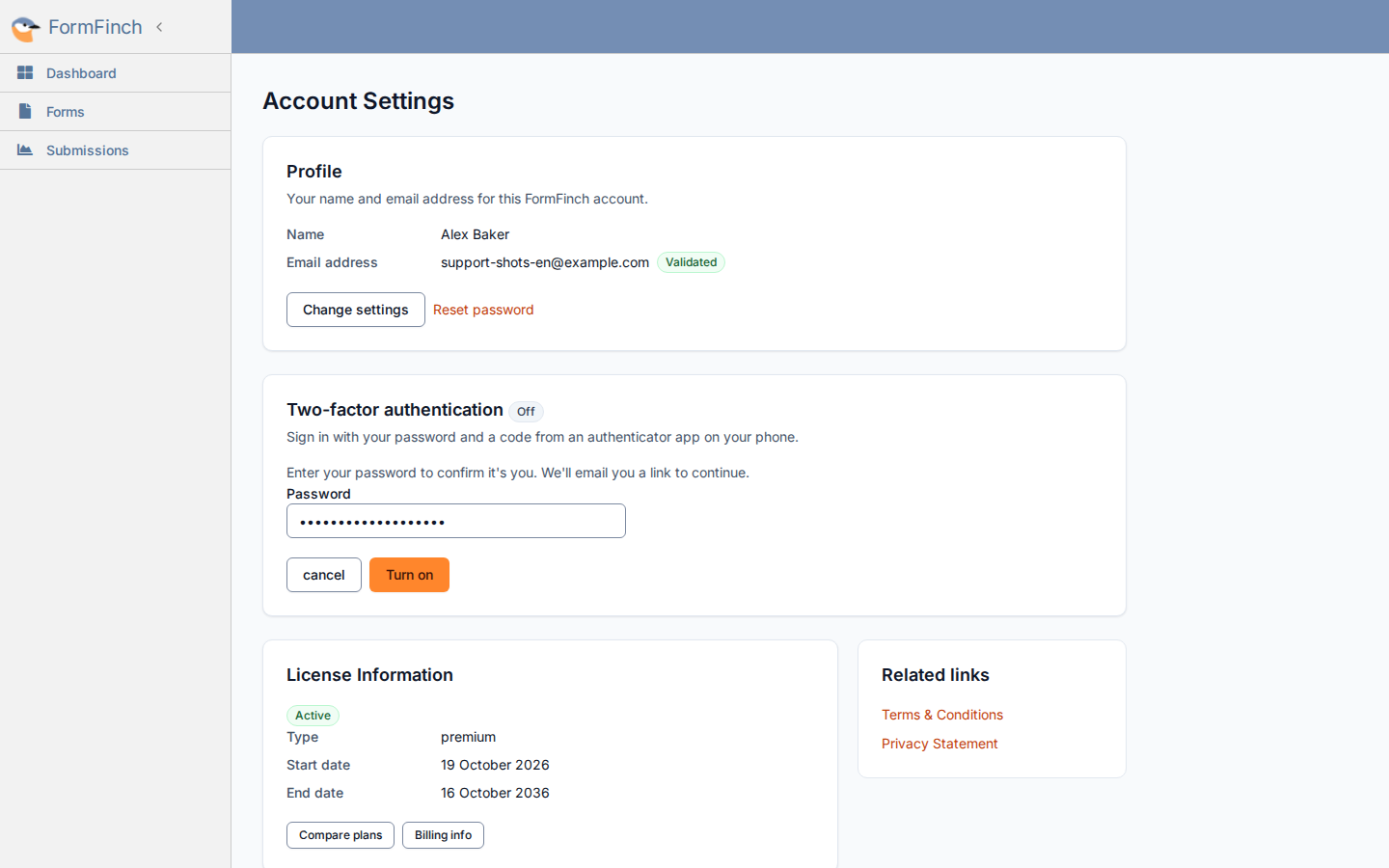
The setup email is sent after this confirmation.
After you open the email link, you have 20 minutes to finish setup.
Two-factor authentication is already on once the code is accepted. The card shows On after you click Done. FormFinch then sends an email with the subject Two-factor authentication is on.
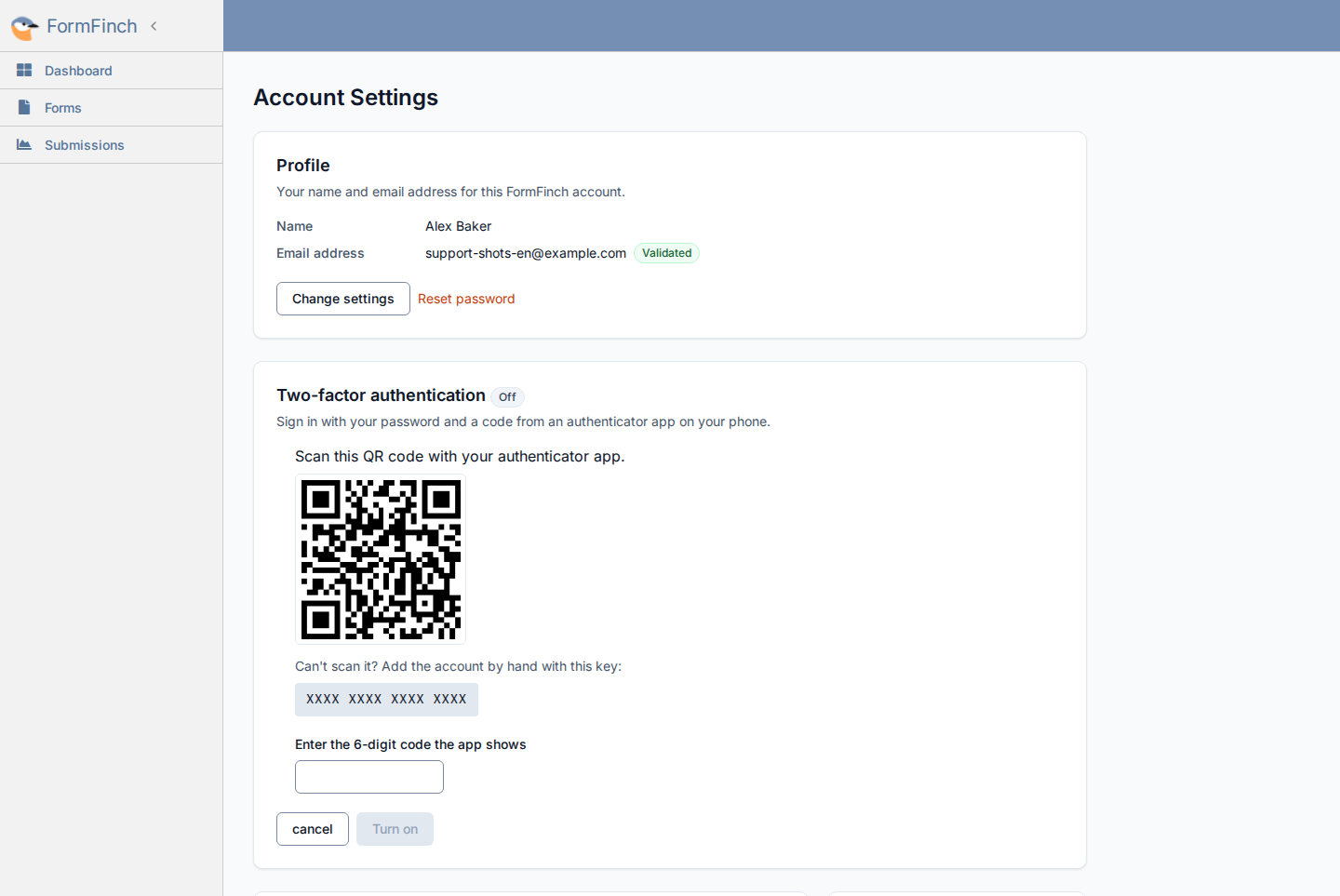
The app shows a new 6-digit code every 30 seconds.
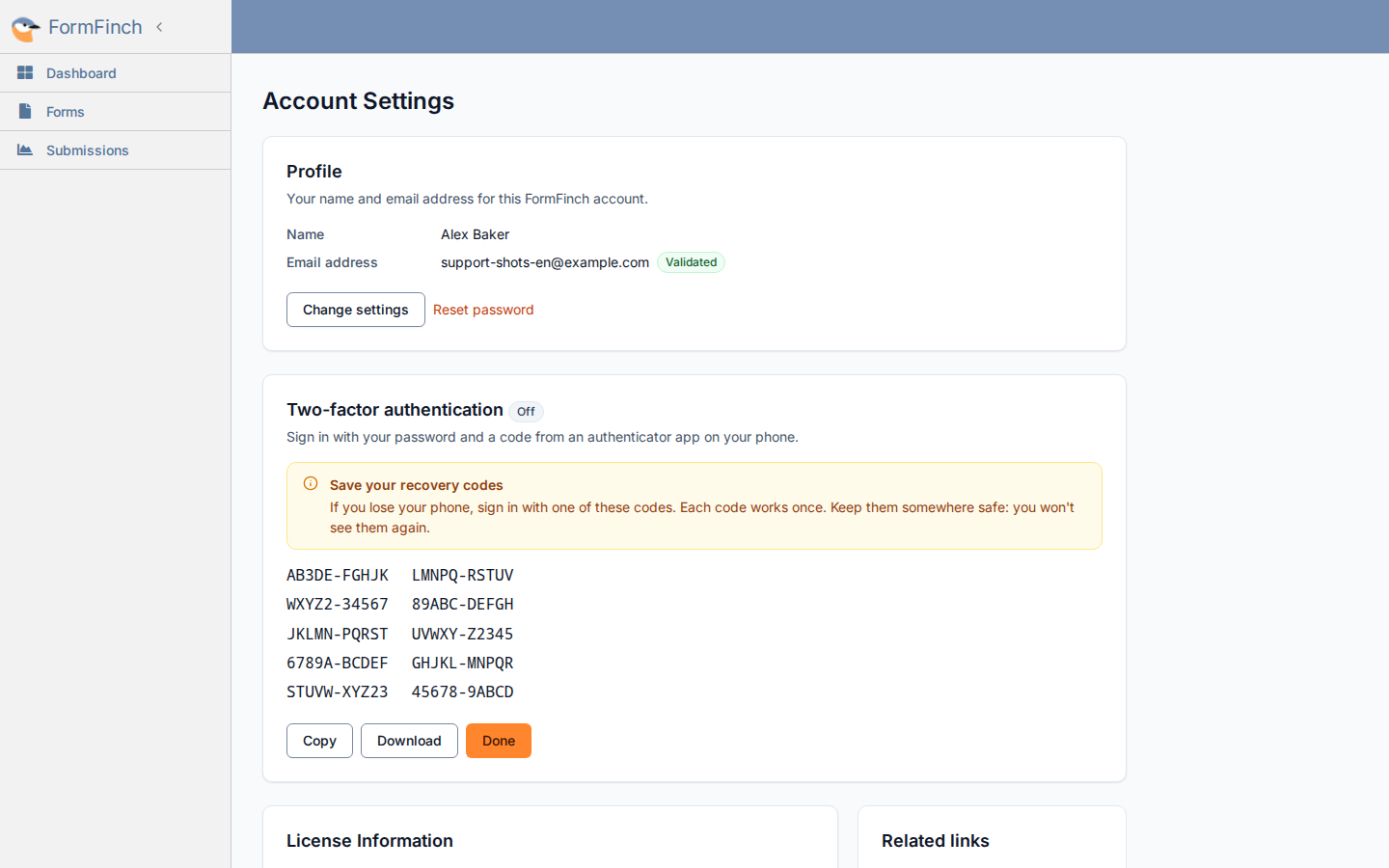
Download saves a text file named formfinch-recovery-codes.txt.
You get 10 recovery codes. The card shows how many are left. To get a new set, turn two-factor authentication off and on again.
Sign in with a code
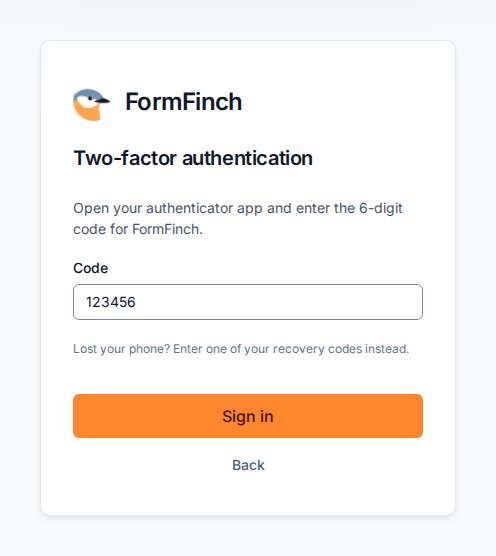
Sign in with your email address and password as usual. FormFinch then asks for a code from your app. If that takes too long, FormFinch asks you to sign in again.
After too many wrong codes, wait 15 minutes before trying again.
If you lose your phone
On the code step, type a recovery code in the Code field instead of the app code. Each recovery code works once. Spaces and dashes do not matter.
Turn it off
Click Turn off on the Two-factor authentication card and confirm with your password and a code. FormFinch then sends an email with the subject Two-factor authentication is off.
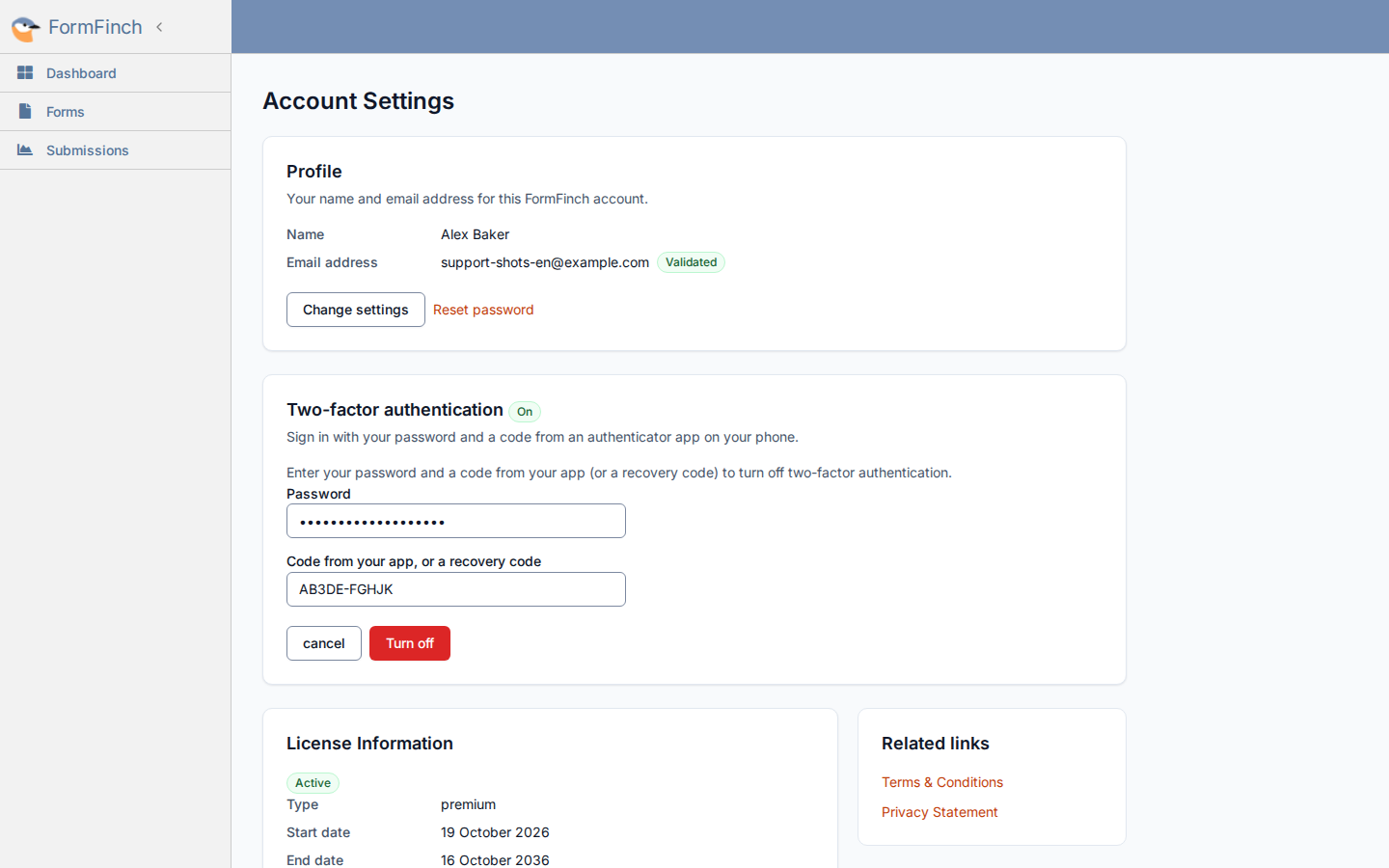
A recovery code works here too and is then spent. Turning off also removes the remaining recovery codes.
Email address and deleting your account
With two-factor authentication on, changing your email address or deleting your account asks for a code from your app (or a recovery code) instead of your password. The Delete account dialog works the same way. FormFinch also emails the previous address when the email address changes.
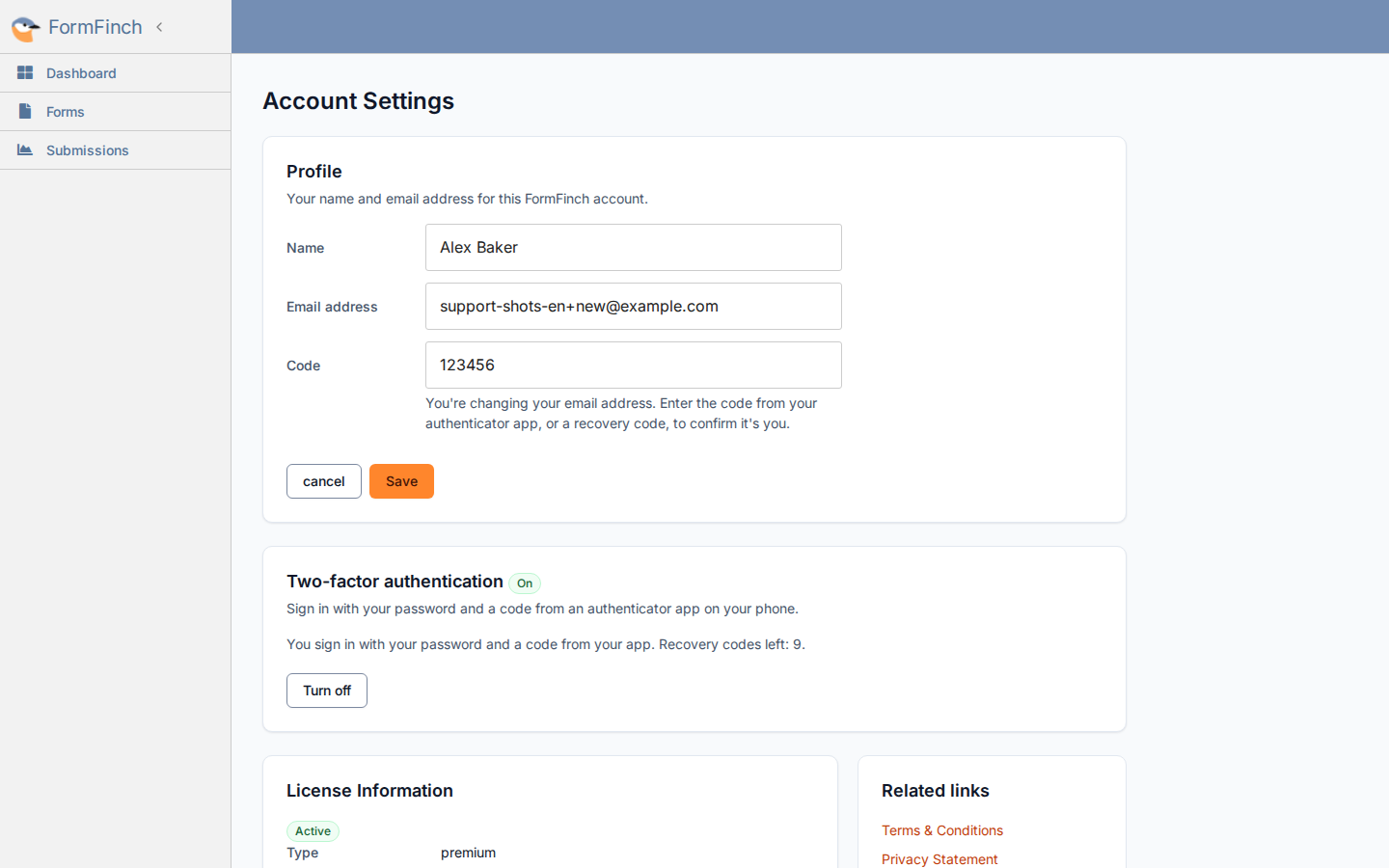
Changing only your name needs no code.