Keyboard shortcuts in the form designer let you edit, move, and save without the mouse. Press ? to open the full list.
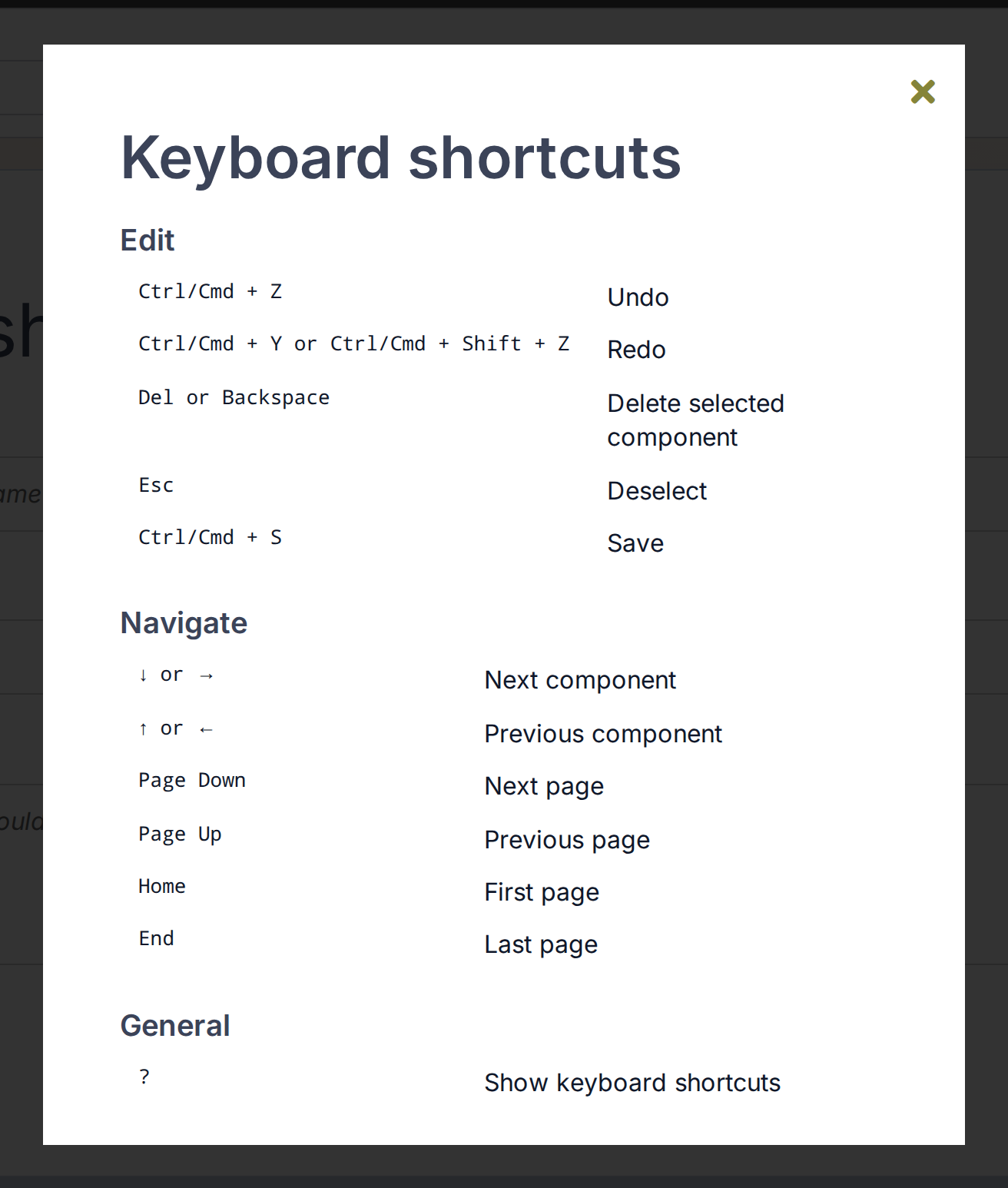
The overview groups all designer shortcuts. Open it with ?.
Move between components
Arrow keys move the selection through the components on the page in view, from top to bottom. A section is selected first, then each component inside it, before the selection continues down the page. With nothing selected on that page, ↓ or → selects the first component and ↑ or ← the last. The selection does not wrap or move to another page.
Page Down, Page Up, Home, and End scroll to that page and select its first component.
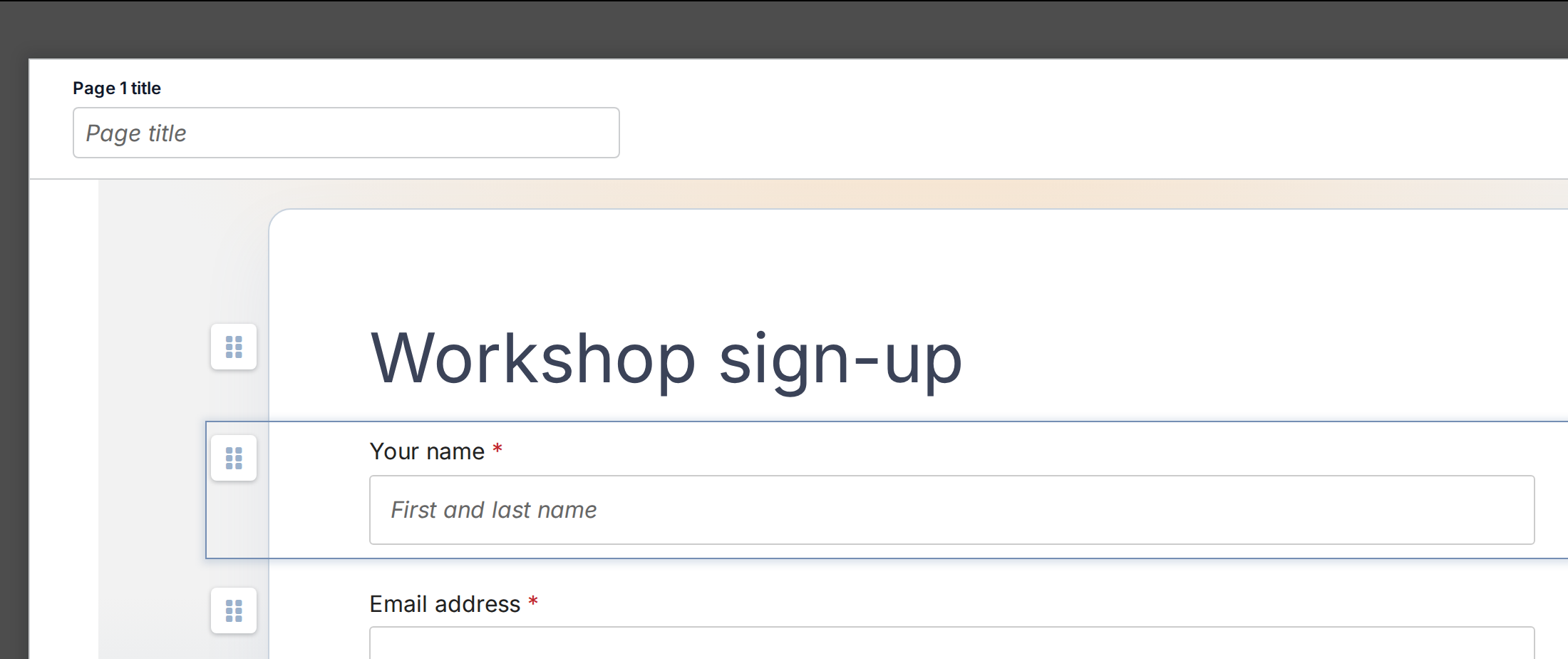
Arrow keys move the selection. The properties panel then shows that component.