A Section groups fields under an optional title and border. Use it to keep related questions together, to show or hide the whole group with one visibility rule, or to lock the group while designing.
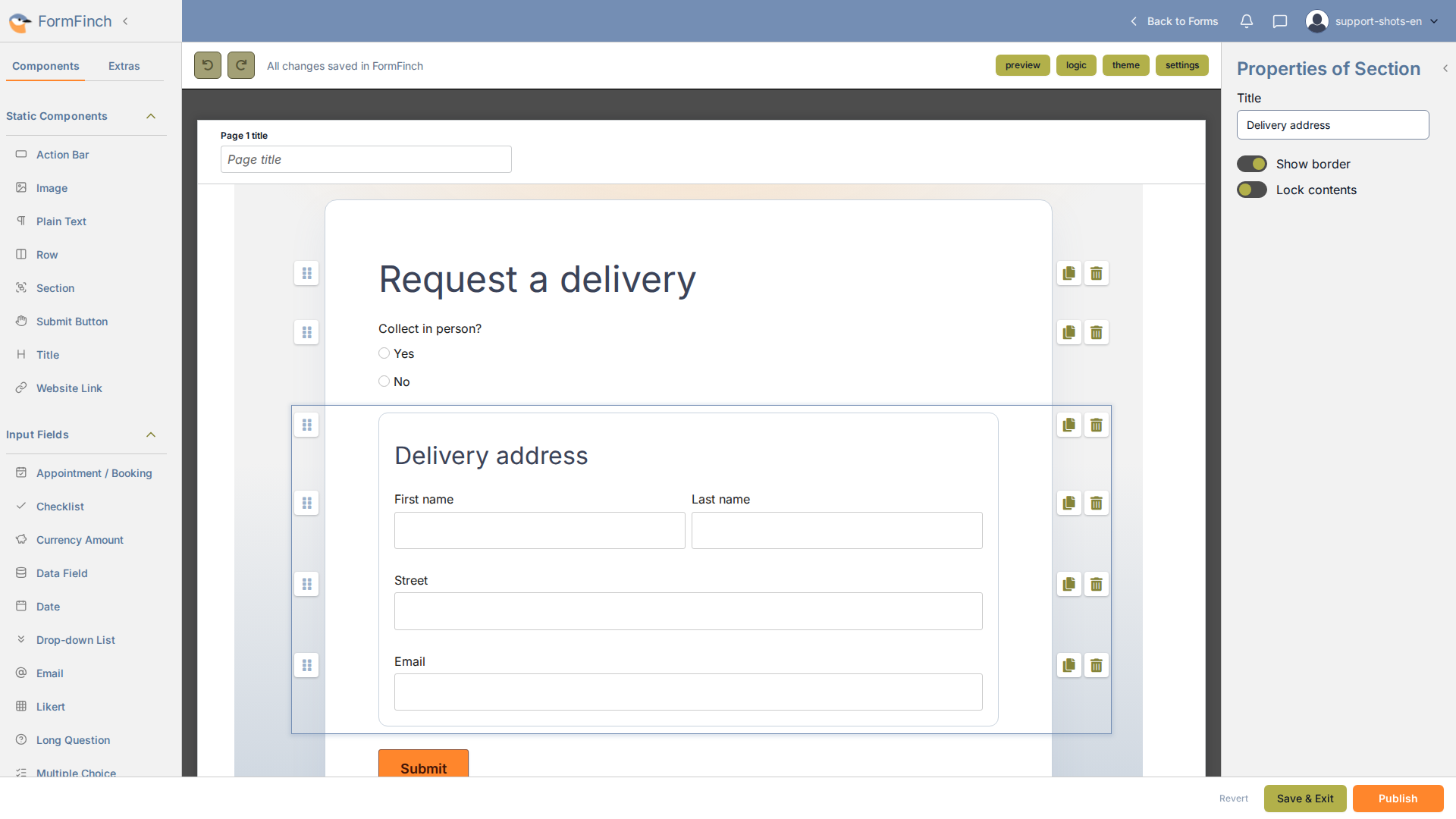
Section on the canvas, with its properties open.
Add a section and fill it
Drag Section from Static Components onto the page, then drag fields into it. Add a Row to place fields side by side. With a Section or a field sitting directly in it selected, clicking a field in the palette adds it to that Section. If the selection is a field inside a Row in the Section, the new field goes into that Row.
Title and border
Select a Section to edit it in the properties panel:
- Title: the heading above the group.
- Show border: draws a thin border with rounded corners and some padding around the group.
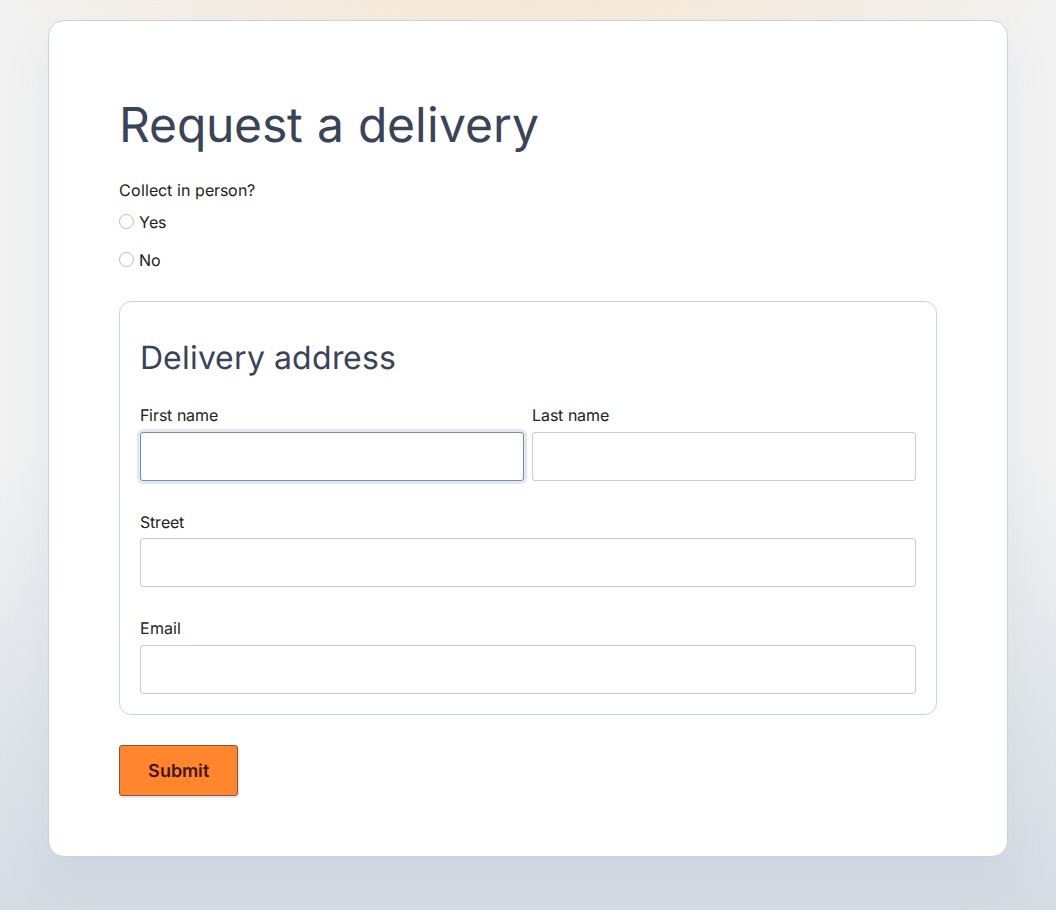
A titled, bordered Section on a published form.
Lock contents
Turn on Lock contents to protect the fields in a Section from accidental changes.
A locked Section shows a lock icon beside its title. Its fields and Rows cannot be selected, edited, copied, deleted, or dragged, and nothing can be dropped into it. The Section itself stays editable: its title, border, and lock can still be changed, and it can still be moved, copied, or deleted.
Respondents are not affected. Fields do not become read-only on the published form.
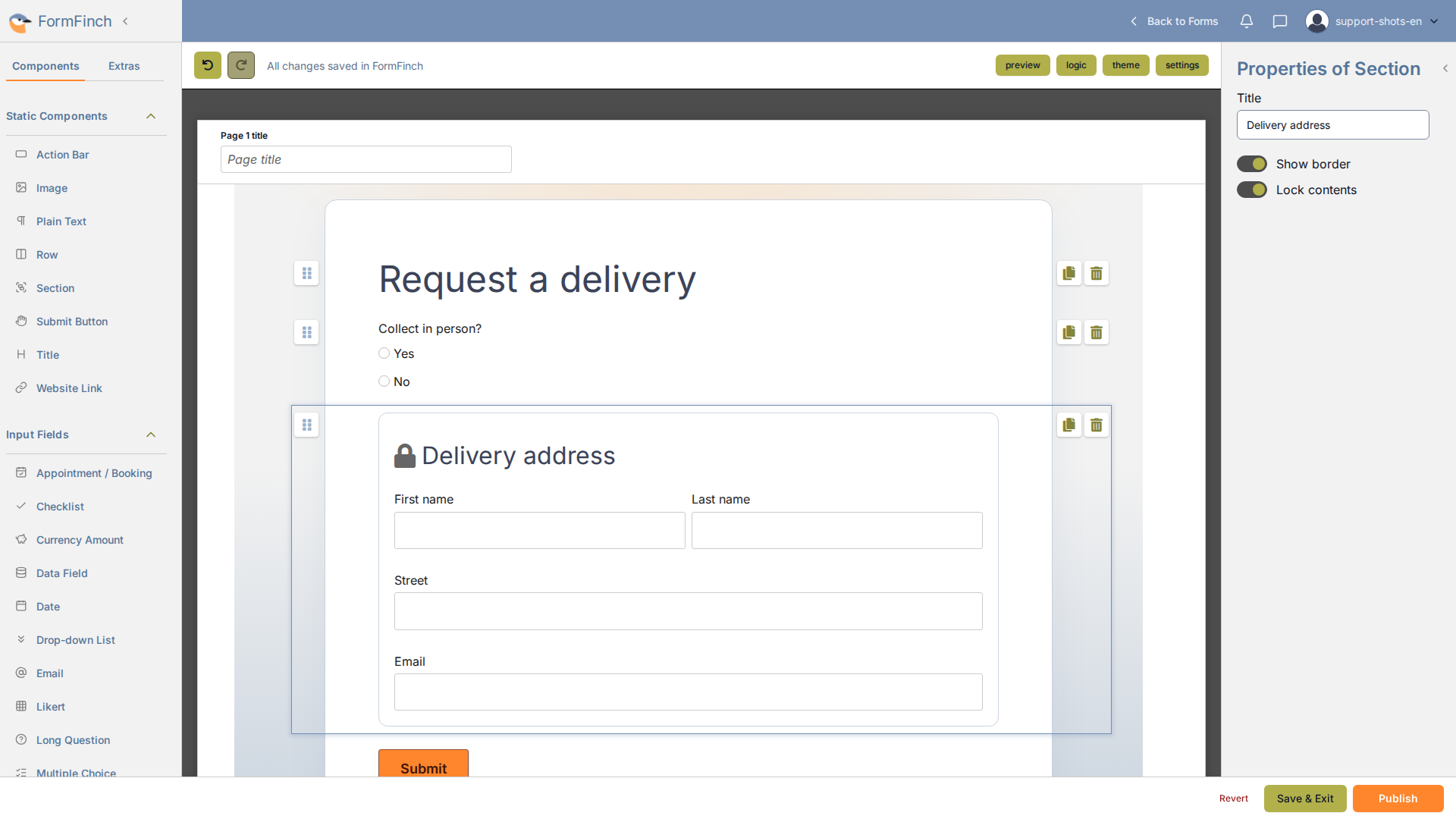
A locked Section in the designer.
Show or hide a section with logic
A visibility rule can target a whole Section. Click logic in the designer toolbar, then Add rule and Show / hide. Set the target type to Section and pick the Section.
While a Section is hidden, the fields inside it are not required, their answers are left out of the submission, and other rules treat them as empty. Data Fields inside it stay active.
A condition cannot use a field inside the targeted Section.
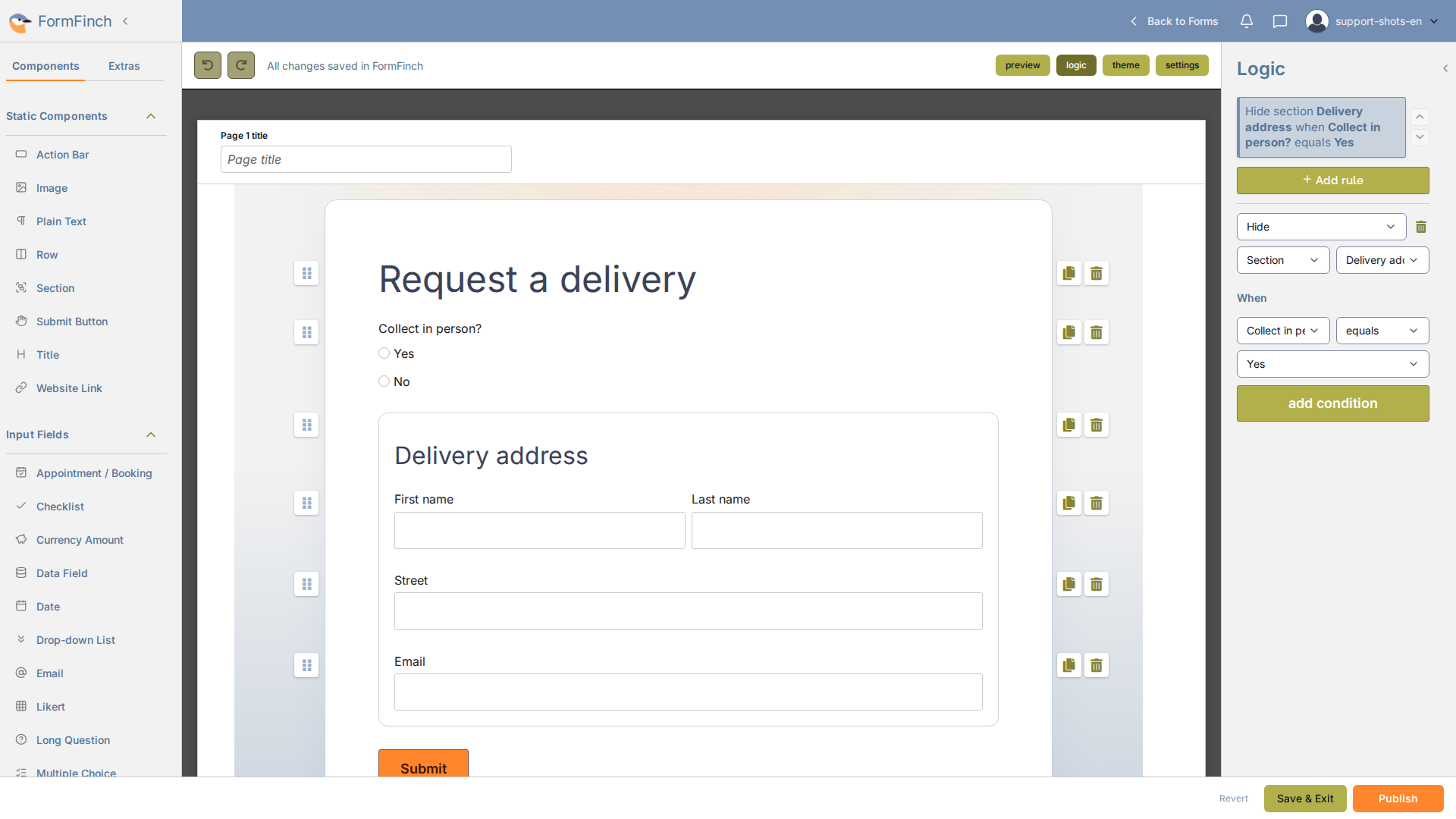
A visibility rule that targets a Section.
Move or remove a section
Drag a Section to move it. Its fields move along.
Copying a Section places a duplicate directly below it, with all fields and settings. Logic rules that target the Section or a field inside it are duplicated for the copy.
Deleting a Section deletes every field inside it. Logic rules that target or use any of them are removed too.